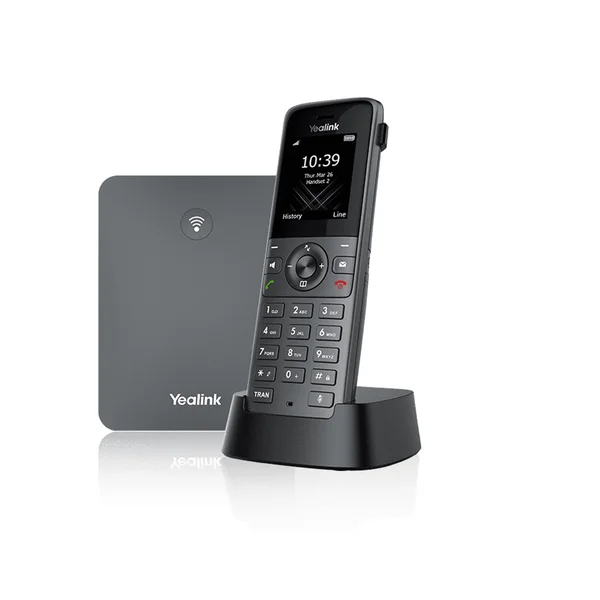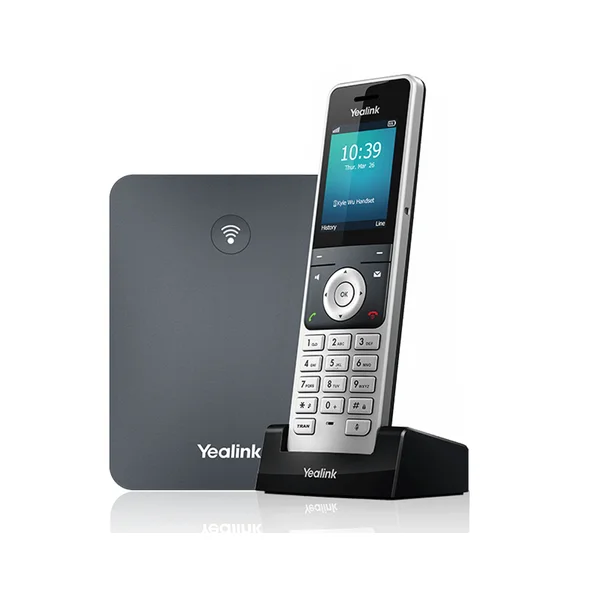
W59R
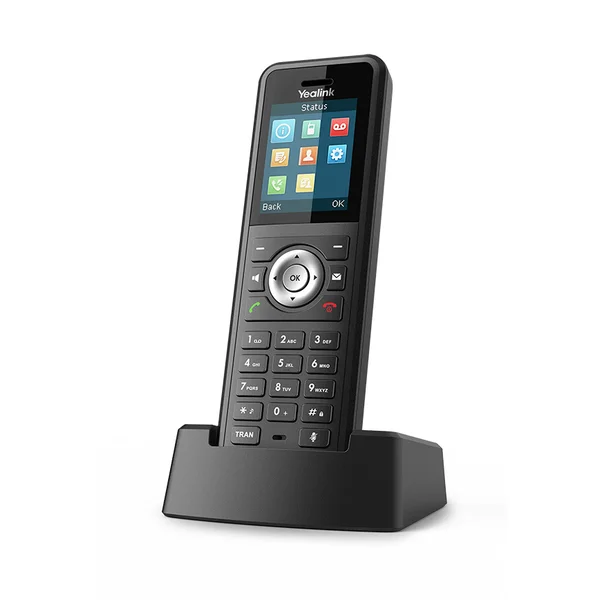
Rugged DECT Handset
Yealink W59R
W59R
IP67 ruggedized DECT handset with Bluetooth 4.2, vibration alerts, safety alarms, and up to 2 simultaneous calls per handset Industrial and harsh workplace environments that need a rugged handset and compatible Yealink DECT system
Key Highlights
- IP67 protection against dust and water ingress
- Designed for falls up to 2.5 m
- Push-button, no-movement, man-down, and running alarms
- Up to 28 hours talk time and 360 hours standby; 18/200 hours with Bluetooth headset
- Compatible with W70B and W75/W80/W90 multi-cell systems
Role and configuration fit
The IP67 enclosure, 2.5 m listed drop protection, vibration alert, and configurable safety alarms fit workplace conditions where a standard office handset may not be appropriate.
Specifications
Technical details for the W59R
Is the W59R the Right Business Phone?
Choose the device around the user role, network, work area, and daily call handling rather than model name alone.
Selection guidance
Choose the W59R when an IP67 DECT handset with up to 2.5 m listed drop protection, vibration alert, safety alarms, and up to 2 simultaneous calls fits the work environment. It lists up to 28 hours talk time and 360 hours standby, or up to 18 and 200 hours respectively when used with a Bluetooth headset. Confirm the compatible DECT base because this entry describes the handset.
Deployment considerations
- Confirm the manufacturer rating is appropriate for the intended dust, water, impact, and temperature conditions.
- Include a compatible base, coverage survey, charging locations, and handset count in the deployment plan.
- Test vibration, alarm-button, audio, and coverage behavior in representative work areas.
Compare the complete catalog on the business phone page or review models side by side in the phone comparison tool.
What the device quote should confirm: A W59R quote should identify handset quantity, compatible base equipment, charging locations, expected simultaneous calls, PoE or power needs, coverage areas, installation, and testing. Published range and battery figures help compare models, but the facility and daily workflow determine the final design.
W59R FAQs
Other DECT Cordless Phones
Consider these alternatives as well.