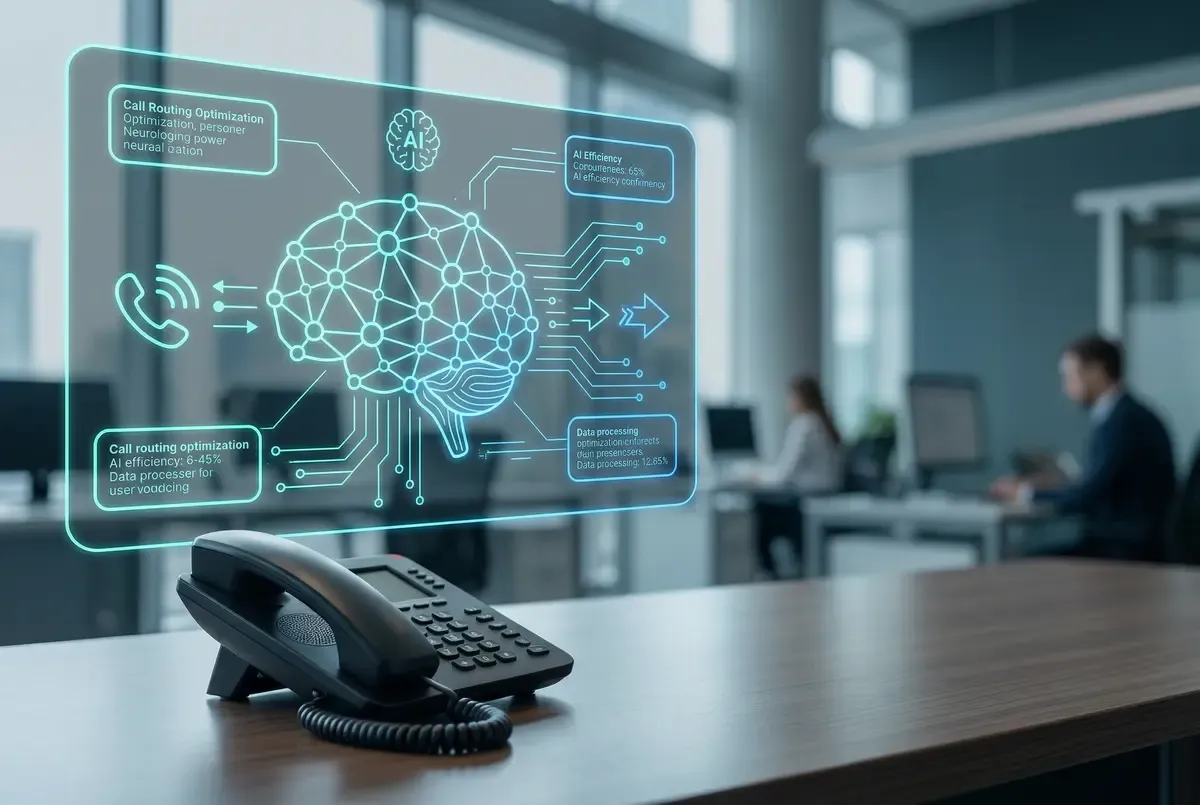
VoIP for Automotive Dealerships: Business Phone System Guide
A VoIP business phone system for automotive dealerships can connect sales, service, parts, and finance teams. Compare call flows, mobile apps, pricing, devices, and conditional CRM or DMS integration.
VoIP for automotive dealerships is a business phone system that can route callers to sales, service, parts, finance, or an operator through dealership-defined call flows.
A well-scoped system may combine department routing, team coverage, overflow, after-hours handling, mobile access, business texting, and call reporting.
These capabilities still depend on staffing, ownership, connectivity, testing, and provider-specific configuration. They cannot guarantee that every lead is answered, that a caller books an appointment, or that the dealership achieves a particular sales or ROI result.
Answer First: What Should a VoIP Phone System for an Automotive Dealership Include?
Start with the dealership's real departments and hours. A practical requirements list may include:
- Main sales, used sales, service, parts, finance, body shop, and operator numbers
- Direct numbers and extensions that must be retained
- Department ring groups, queues, timeouts, overflow, voicemail, and callback ownership
- Weekday, evening, weekend, holiday, and temporary-closure routing
- Desk phones, cordless handsets, mobile apps, conference phones, paging, and headsets
- Business texting, recording, reporting, and any integration that has been verified
- Number porting, network readiness, training, cutover, and fallback responsibilities
Ask every provider to diagram the proposed call path. The design should show where a call goes when the first team is busy, unavailable, or closed.
Design Call Flows Around Sales and Service
Dealership sales and service teams have different workflows. A single generic queue may create unnecessary transfers.
Sales Calls
New and used sales may need separate menu choices, ring groups, or tracking numbers. Decide whether calls ring a receptionist first, a sales group, a business development team, or a specific salesperson. Then define overflow and voicemail ownership. A missed-call report is useful only when someone is responsible for reviewing it and following up.
Service and Parts Calls
Service calls may involve scheduling, status questions, advisors, parts, or after-hours instructions. Map which calls can go to a group and which need a named person. If a selected platform or verified integration can use authorized caller context, confirm the exact workflow and the fallback when that data is unavailable.
Finance and Management
Finance managers and department leaders may move between offices and the floor. A mobile and desktop app can give an authorized user another way to handle business calls, subject to connectivity, device, permissions, and emergency-calling requirements. Decide whether the app supplements a desk phone or replaces it for that role.
Dealership Call-Routing Acceptance Scenarios
Before approving a dealership phone-system design, walk through the calls that create the most operational risk and write down the expected route and owner check:
- New sales call during open hours: the call reaches the approved sales group, then the documented overflow path if no eligible user answers. The sales or BDC owner confirms the missed-call report and follow-up responsibility.
- Service call during lunch or after hours: the caller hears the approved schedule, reaches the intended service or emergency instruction, or leaves a message in the mailbox assigned to a named service owner. The owner checks the next-business-day review step.
- Parts call while the department is busy: the route uses the agreed ring group or queue timeout, then an approved overflow or voicemail path. The parts lead verifies the test call and knows who reviews abandoned or unanswered calls when reporting is available.
- Transfer between rooftops or departments: the receiving team gets the call with the needed context, and the fallback is documented if the transfer is unanswered. The project owner signs off after a representative transfer test.
- Temporary closure or holiday: the schedule plays the approved greeting and routes according to the closure plan. A named administrator records who changes and restores the schedule.
These scenarios turn a feature list into acceptance checks. Confirm them with the dealership's actual departments, hours, staffing, numbers, and selected platform before treating the design as ready. The auto attendant, call queues, and call analytics and reporting pages describe related building blocks, while the written quote should identify the configuration, testing, and ownership included.
Use Ring Groups, Queues, and Overflow Deliberately
Ring groups can ring several eligible users together or in sequence. Call queues can hold callers for a configured team. An auto attendant can provide menu choices and scheduled greetings.
The dealership should choose among these tools based on staffing and caller expectations:
- Use a ring group when several staff members can handle the same call and the desired coverage pattern is clear.
- Use a queue when eligible callers may wait for a defined team and the dealership has a plan for announcements, timeouts, overflow, and abandonment.
- Use scheduled routing for closed hours, lunch, holidays, and special events.
- Keep a route to a person when a menu does not fit the caller's need.
- Test transfers between departments and rooftops before cutover.
There is no universal ring duration or queue design. Busy-hour volume, staffing, department ownership, and customer expectations should determine the configuration.
Treat CRM and DMS Integration as a Verification Project
Do not assume a VoIP platform integrates with a dealership CRM or DMS because a product page uses the word "integration." Compatibility can depend on the exact voice platform, CRM or DMS vendor and edition, API availability, licensing, permissions, required data fields, and implementation scope.
Before including an integration in the phone-system decision:
- Name the exact CRM, DMS, scheduling, and reporting systems in use.
- Define the required action, such as screen display, call logging, click-to-call, or a link to a recording.
- Ask for current documentation and a demonstration of that exact workflow.
- Confirm which system is the source of record and which fields are written.
- Review user permissions, customer-data access, retention, and audit needs.
- Document behavior when the integration or one connected system is unavailable.
- Put licensing, setup, testing, ownership, and support boundaries in the quote.
SonicVoIP can evaluate an integration requirement during discovery, but compatibility should be confirmed before it is represented as part of a deployment.
Plan Business Texting with Consent and Ownership
Business texting may fit appointment confirmations, customer replies, vehicle or service updates, and missed-call follow-up. It requires more than enabling a number.
Confirm number eligibility, A2P/10DLC registration, opt-in, opt-out handling, message limits, approved use cases, staff access, and what happens when the assigned employee is unavailable. Keep messages under the dealership's approved business workflow rather than relying on personal numbers. Review business texting requirements before treating SMS as part of the launch plan.
Use Recording and Analytics Carefully
Call recording may support approved training, quality review, or documentation. Applicable notice, consent, access, retention, deletion, and employment policies need review before recording is enabled. A provider feature does not establish legal compliance.
Call analytics may help managers review inbound volume, missed calls, answer patterns, and department activity when those fields are available in the selected platform. Establish a baseline and decide who will review which report. A tracking number can show that an inbound call reached the number assigned to a campaign, but it does not prove marketing attribution, lead quality, an appointment, a completed sale, revenue, or ROI.
Choose Devices by Dealership Role
The right deployment may mix devices:
- Receptionists and busy department desks may need visible keys and familiar transfer controls.
- Managers may use a desk phone and app.
- Staff who move through a building may need a cordless phone with tested coverage.
- Meeting rooms may need a conference device selected for the room.
- Service or parts environments may call for a rugged handset after its ratings and compatible base are confirmed.
- Some users may need only a supported app.
Use the Yealink phone catalog and comparison tool to review listed display, line, network, power, wireless, battery, range, and handset details. A site survey remains important for cordless coverage and network-connected devices.
Multi-Rooftop Dealership Planning
A dealer group may want shared administration, inter-office transfers, a central answering team, or location-specific numbers and greetings. Document each rooftop separately before unifying the design:
- Local numbers, departments, hours, and staff
- Site-specific internet, firewall, switching, power, and cabling
- Which calls stay local and which can overflow to another location
- Whether reporting needs to be separated or combined
- Local emergency-calling and address configuration
- The order of number ports, training, testing, and cutover
A multi-location phone system can support shared workflows, but each site's network and fallback plan still needs review.
A Practical Dealership Deployment Process
A scoped project should include:
- Discovery: inventory numbers, bills, users, departments, call paths, devices, systems, and constraints.
- Design: document menus, groups, queues, overflow, schedules, voicemail, permissions, and reporting.
- Verification: confirm number eligibility, integrations, phones, network requirements, texting, recording, and optional continuity measures.
- Configuration and testing: test common calls, transfers, closed-hour routes, failures, edge cases, and representative work areas.
- Training and cutover: assign owners, train staff by role, coordinate number ports, and document escalation and fallback steps.
- Review: check call reports and staff feedback after launch, then adjust approved routing where needed.
The timeline depends on carrier porting, site readiness, device availability, integration work, number count, and testing. Ask for a plan based on the dealership's actual scope.
Southern California Dealership Fit
SonicVoIP offers hosted phone-system planning and quoted local installation across Los Angeles, Orange, Riverside, and San Bernardino counties, including the Inland Empire and Victor Valley. This can fit dealerships that want network readiness, device configuration, staff training, and phone-service planning reviewed together.
The written quote should still identify every location, feature, device, network task, tax, regulatory fee, premium option, and integration assumption. Compare hosted VoIP business phone systems and SonicVoIP pricing, then request an automotive dealership phone-system quote, contact SonicVoIP, or call (844) 808-8647.